FILM ASSETS
Production & Media
FILM GUIDE & BROCHURE ASSETS
⚠️ Already Submitted?
Once the film pages are published in September. you will no longer see them in your Completed Content. Published pages are moved to the public Film Guide and will no longer appear in your portal.
Do not create a duplicate page. Email Karen for any edits.
1. CREATE YOUR FILM PAGE
Submit your optimized stills, film data, and trailer link. This builds your presence in the online Film Guide.
Image Specifications:
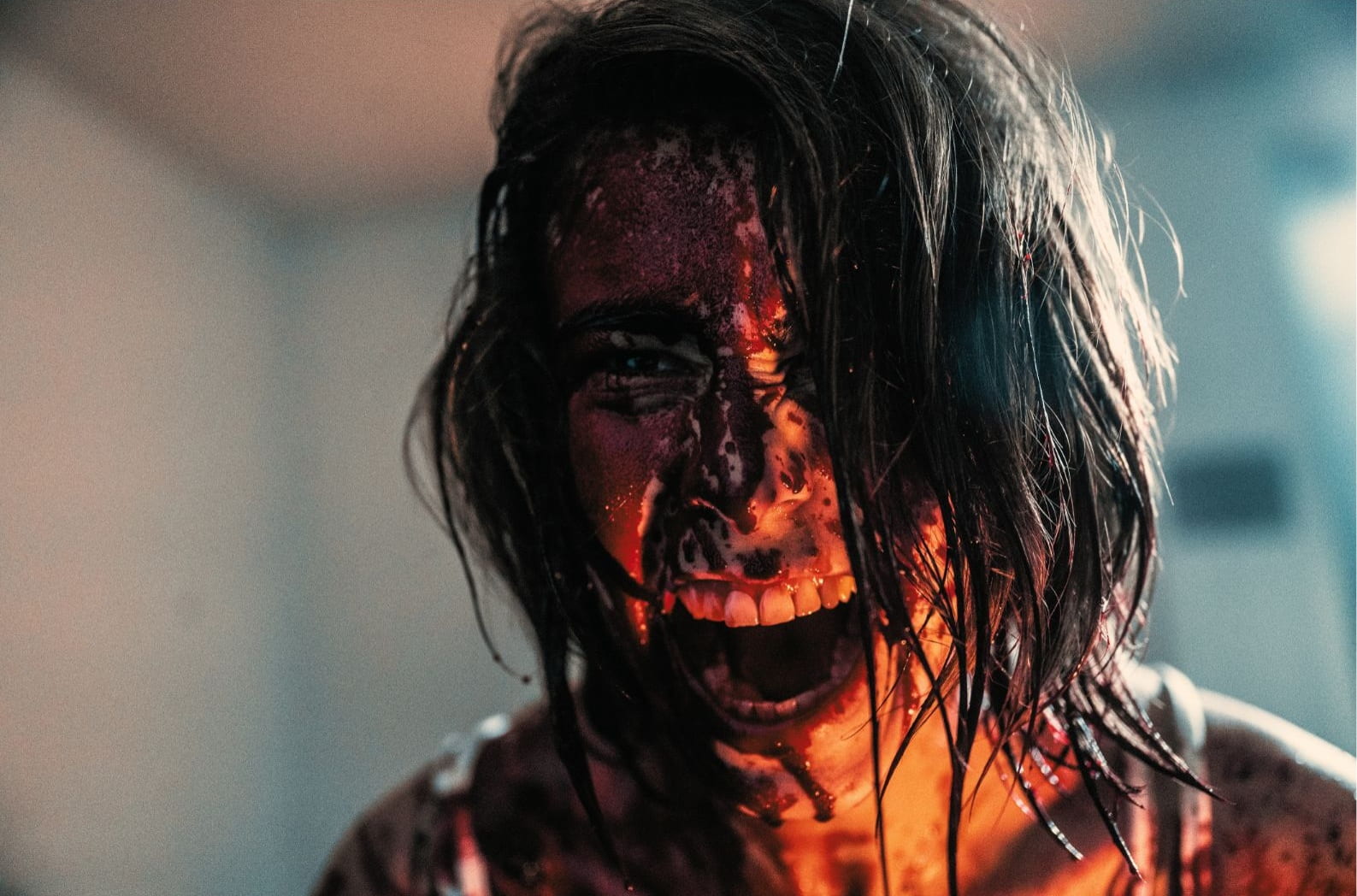
- Main Image (1920x1080): High-res film still. No text, logos, or black bars.
- Gallery Stills & Poster: Additional eye-catching shots and your poster.
- File Size: Keep images under 250 KB to avoid upload errors.
💡 Accessibility Tip: In the "Alt Text" field, describe the image clearly for visually impaired fans.
Good: "A dark silhouette of a figure standing in a foggy doorway."
Good: "A dark silhouette of a figure standing in a foggy doorway."
2. BUILD YOUR DIRECTOR PAGE
Share your story! Add your bio image, biography, and social media links. Complete a page for each co-director.
3. BROCHURE IMAGE (MANDATORY)
Upload a separate high-quality (300dpi) landscape still for the festival brochure.
- ✅ No Posters or Logos
- ✅ No Letterbox/Black Bars
- ✅ Exciting, captivating moments only
- 📁 Filename: Your_Film_Title.jpg
[BROCHURE IMAGE EXAMPLE ]